Your sounds, on your Mac
Load the instruments and effects you already own in RackSanity. Give each instrument its own slot, MIDI channel, and output.
RackSanity MPC Companion
Browse instruments, shape sounds, and manage effects from one Companion instance. Your Mac hosts the plugins. Your MPC keeps the beat moving.
Preview · Release in preparationTested with MPC Live III on OS 3.10.0 and Universal RackSanity on Mac.
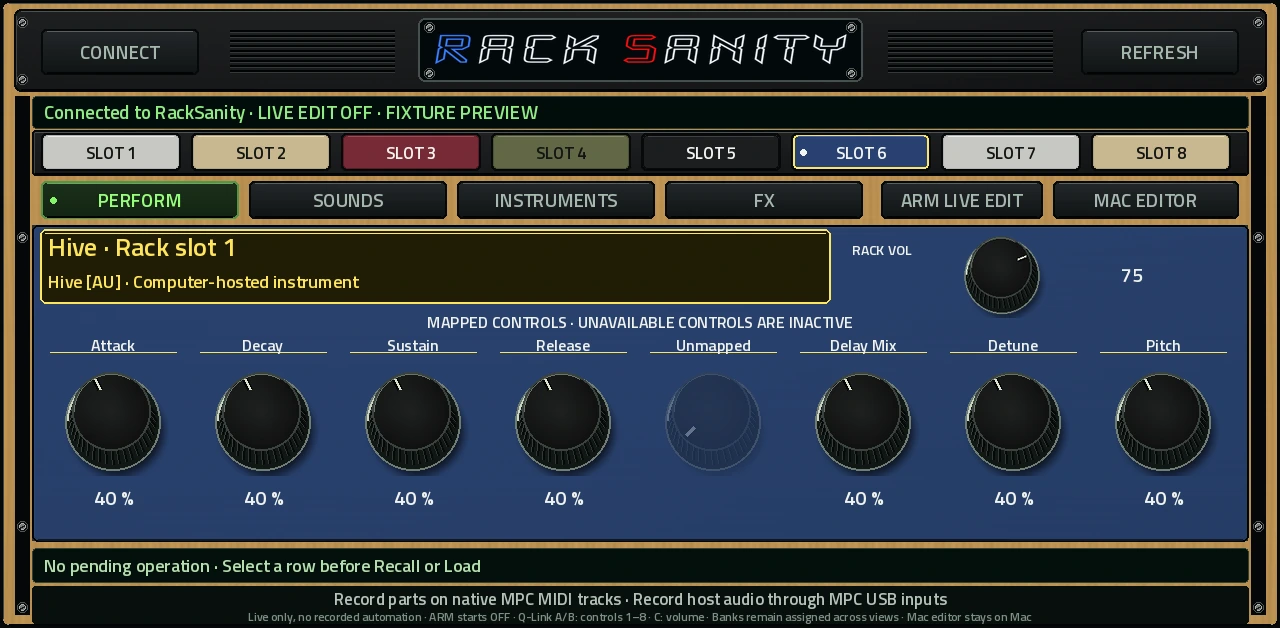
Two devices. One session.
Load the instruments and effects you already own in RackSanity. Give each instrument its own slot, MIDI channel, and output.
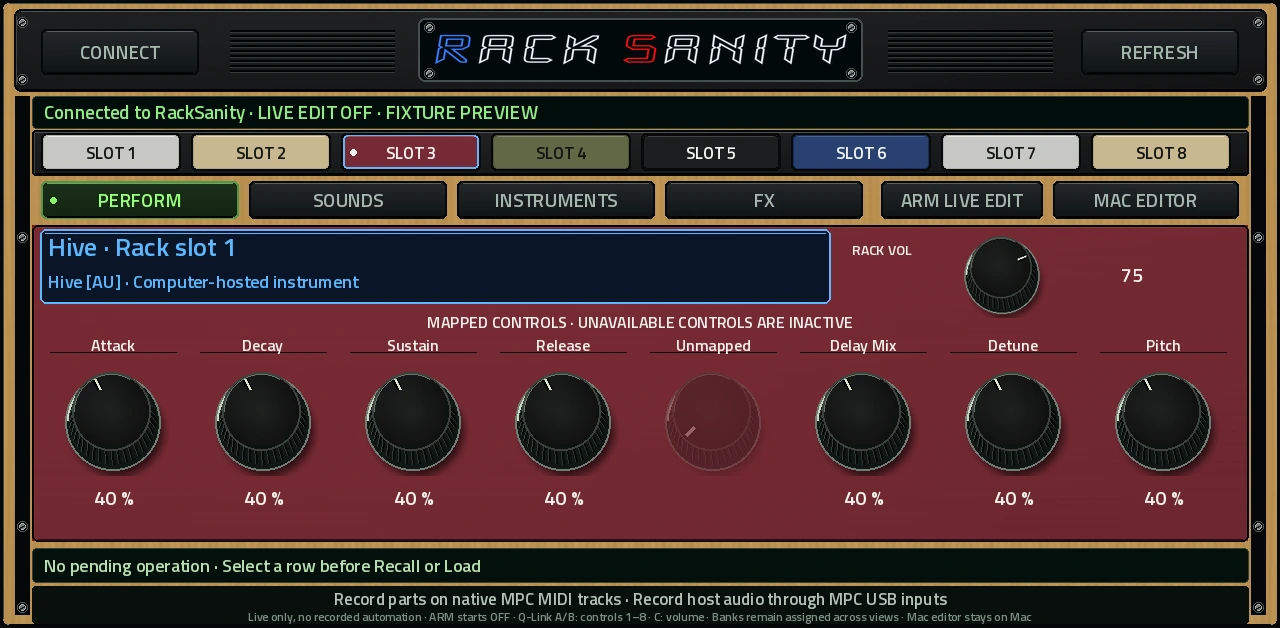
Select slots, browse sounds and instruments, adjust mapped parameters and slot volume, and add or bypass supported effects.
Record and play parts on native MPC MIDI tracks. Capture the Mac’s USB audio returns on MPC audio tracks using your configured routing.
The Companion is a control surface. Plugins and audio processing run on the Mac. Slot selection in the Companion does not select, create, route, or arm native MPC tracks.
Made for playing
Installer + setup
The custom Mac installer includes the RackSanity host, a separate MPC Companion package, and a setup guide. Guided pairing lets you choose your Mac’s address without editing a configuration file.
MPC installation is a separate step using the community Plugin Manager. The Mac installer does not update MPC firmware or install a plugin onto the device automatically.
RackSanity + MPC Companion
The installer is being prepared for customer release. Read the setup guide now to see what you’ll need.
Download for MacOther MPC models and OS versions have not been validated.
Installer SHA-256
Before you start
No. RackSanity runs your AU and VST3 instruments and effects on the Mac. The Companion controls that rack from the MPC.
Yes. One instance can select and control RackSanity slots. Keep independent instrument parts on native MPC MIDI tracks with their own channel assignments.
Save the Mac rack and MPC project separately. Load the saved rack on the Mac before connecting. Automatic project-to-rack linking is not included in this preview.
Use native MPC MIDI tracks for notes and playback. For audio recording, configure the Mac and MPC USB audio path and record the return onto an MPC audio track. The Companion itself does not transmit audio or MIDI notes.
Guided setup lists your Mac’s current addresses and saves pairing to the installed Companion folder while the MPC storage is mounted in Controller Mode. If the Mac’s address changes, repeat that step.